
Migraine and Light Sensitivity: Making Screen Use Easier
Light sensitivity can make phone use uncomfortable during migraine. Learn practical screen adjustments and why dark mode is a preference, not a treatment.
Cephala · Educational guides
Published: · Updated:
Light sensitivity, also called photophobia, can make ordinary light feel uncomfortable during migraine. A phone that looks fine on a usual day may feel too bright during an attack. Lower brightness, a comfortable display theme and shorter interactions may make essential tasks easier. No screen setting is a proven migraine treatment on its own.
You do not need to find the perfect display setting. Start with what feels comfortable and stop looking at the screen if symptoms worsen.
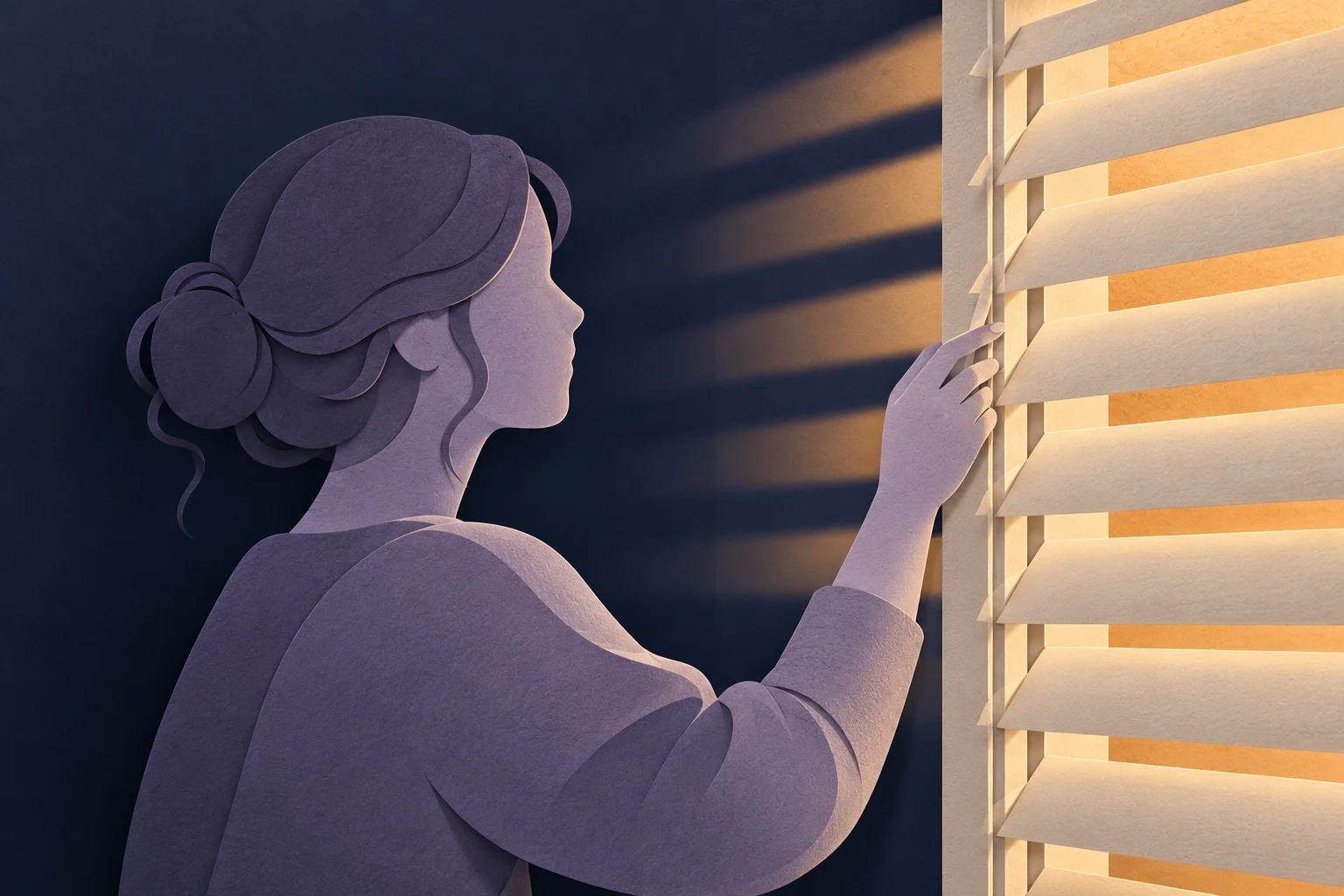
Is light sensitivity part of migraine?
The NHS migraine guide lists sensitivity to light and sound among migraine symptoms. Photophobia does not mean you are imagining discomfort. It also does not prove that every headache is migraine.
Light sensitivity differs from visual aura. Aura can involve temporary visual patterns or other neurological symptoms. If you are unsure which experience to describe, record what happened in your own words. Our aura guide explains what to note and when to seek help.
Does dark mode always help?
No. Some people prefer a dark background, while others find bright text against black uncomfortable. Ambient lighting, display brightness and text size also matter. A dark theme can still contain bright buttons or large white areas.
On an OLED display, black pixels emit less light than bright pixels. That display behavior does not establish a medical benefit for a particular person. Comfort is the useful guide when choosing a theme.
Try a few simple adjustments
- Reduce brightness to a comfortable level without making text difficult to read.
- Increase text size if you are straining to read small labels.
- Use a display theme that feels comfortable in the room you are in.
- Reduce animations if motion is bothersome.
- Record only essential information and return to optional notes later.
Warm display settings may feel better for some people, but they should not be presented as a treatment or a guarantee that a screen will not worsen symptoms.
How does Cephala approach screen use?
Cephala uses a dark interface and offers a dim control. Quick Log keeps pain severity and medication selection close together so you can make a short entry. These are design choices intended to reduce the effort of using the app. They do not treat photophobia or replace migraine care.
If the screen still feels uncomfortable, put the phone down. A note added later with approximate timing is better than pushing through discomfort to complete every field.
When should you get medical advice?
Discuss persistent or changing light sensitivity with a clinician. New vision loss, a sudden severe headache or new neurological symptoms need urgent assessment. Do not assume a new symptom is your usual migraine.
Common questions
Is a black screen enough to prevent migraine?
No. A display theme cannot guarantee prevention. Use it for comfort alongside your existing care plan.
Can I log symptoms later?
Yes. Mark the timing as approximate if needed. The migraine diary guide explains how to keep useful records without lengthy screen time.
Source
This article is provided for educational purposes only and does not constitute medical advice or clinical diagnosis. Always consult your neurologist or primary physician before starting, stopping or altering headache medications.
Keep a simple migraine record
Record pain and medication in a few taps, keep your entries on your iPhone and share a summary with your doctor.